


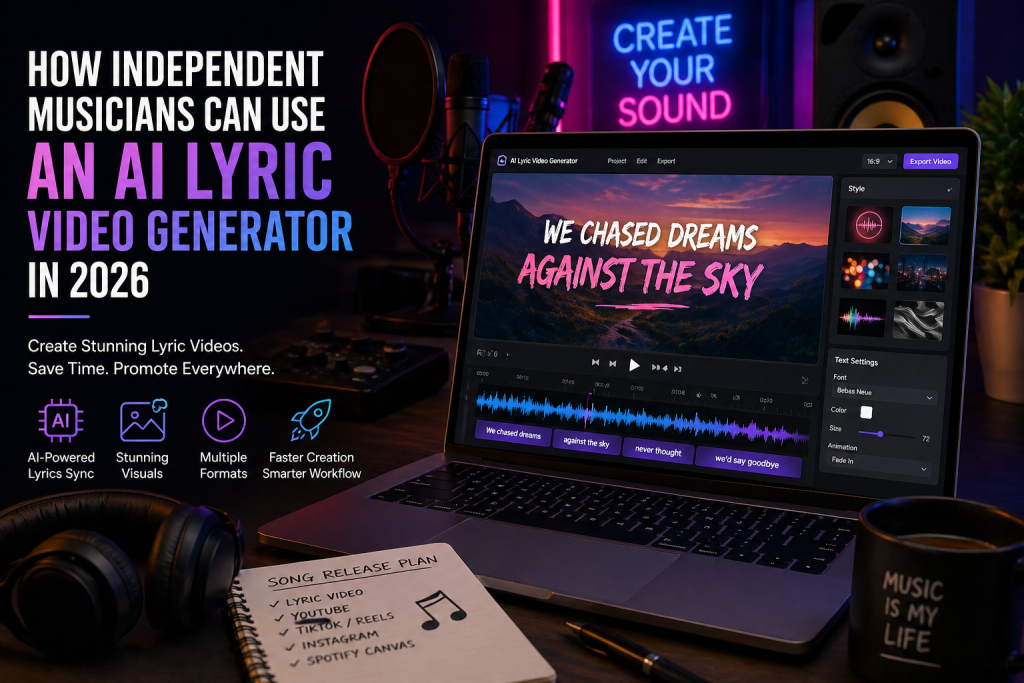
For independent musicians, releasing a song is no longer just about uploading audio to streaming platforms. A new track needs visual content for YouTube, TikTok, Instagram Reels, YouTube Shorts, Spotify Canvas, and even email campaigns.
That creates a real challenge. Most artists do not have the time or budget to produce a full music video for every release. This is where an lyric video generator becomes a practical solution, helping turn songs and lyrics into synchronized, platform-ready videos.
Why Lyric Videos Still Matter
Lyric videos continue to work because they solve multiple problems at once.
- They keep viewers engaged visually
- They help listeners connect with lyrics
- They can be reused across multiple platforms
For independent artists, one song often needs multiple pieces of content — not just one video.
What an AI Lyric Video Generator Actually Does
An AI lyric video generator automates the process of syncing lyrics with music and generating visuals. Instead of manually editing timelines, artists can create videos much faster.
- Analyzes song mood and theme
- Generates visuals based on lyrics
- Syncs lyrics with audio automatically
- Creates transitions and scenes
- Exports videos in multiple formats
This makes it easier to produce consistent content for every release.
Traditional vs AI Workflow
| Factor | Traditional Production | AI Workflow |
|---|---|---|
| Time | Days or weeks | Minutes to hours |
| Cost | High | Affordable |
| Skills | Advanced editing | Basic setup |
| Revisions | Slow | Quick adjustments |
Key Features to Look For
Accurate Lyric Timing
Lyrics must appear exactly in sync with music, especially for fast-paced songs.
Music-Aware Visuals
Visuals should match the mood of the song — emotional, energetic, or cinematic.
Multiple Formats
- YouTube: 16:9
- TikTok & Reels: 9:16
- Instagram Feed: 1:1 or 4:5
Readable Typography
Text must be clear and easy to read on mobile screens.
Unique Visual Output
Avoid generic templates — aim for visuals that match your song identity.
How to Use It for a Song Release
Step 1: Prepare Final Audio
Always use the mastered version of your track.
Step 2: Clean Your Lyrics
Remove unnecessary notes and keep lines simple.
Step 3: Choose Platform First
Decide whether your focus is YouTube or short-form platforms.
Step 4: Match Visual Style
Choose visuals based on the song’s mood, not just aesthetics.
Step 5: Review Before Publishing
Check timing, spelling, readability, and format before final export.
Platform-Specific Tips
YouTube
Use full-length lyric videos with strong thumbnails.
TikTok
Focus on short, engaging clips from the chorus or hook.
Instagram Reels
Use vertical format with strong opening visuals.
YouTube Shorts
Test different parts of the song for engagement.
Final Thoughts
An AI lyric video generator helps independent musicians create consistent visual content without expensive production. It simplifies the process while maintaining quality and engagement.
Used strategically, it allows artists to promote their music across multiple platforms and build stronger release campaigns.