


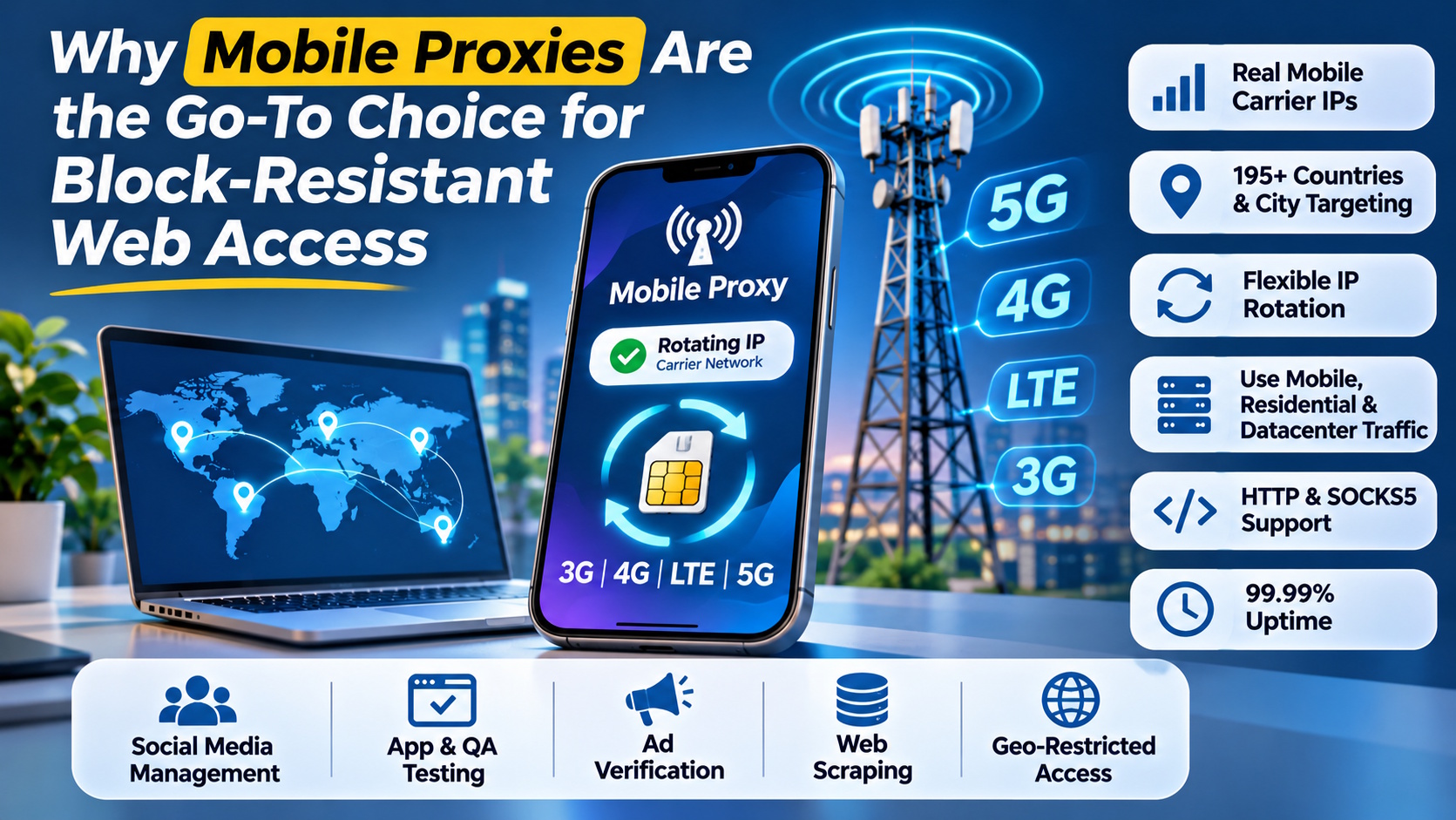
Anyone who has run a scraper, managed several social accounts, or tested an app across regions knows the frustration of sudden IP bans. Datacenter IPs get flagged fast, and even residential ranges are now on many blocklists. That’s why more teams are moving to high-quality mobile proxies from providers like Floppydata, which route traffic through real phones connected to 3G, 4G, LTE, and 5G carrier networks.
Floppydata is a proxy provider. It sells rotating mobile, residential, and datacenter proxies, plus static IP plans, a scraping API, and a free cloud browser for its proxy users. This article looks at its mobile proxy offering and when it makes sense to use one.
What Is a Mobile Proxy?
A mobile proxy is an intermediary server that sends your requests through an IP address assigned by a mobile carrier. To the website on the other end, your traffic looks like it comes from an everyday smartphone user, not a server rack or script.
Why Carrier IPs Are Hard to Block
Mobile operators use carrier-grade NAT, which means thousands of real subscribers share a single public IP. If a platform bans that address, it locks out every legitimate user behind it. Most sites won’t take that risk, so mobile IPs end up with the highest trust level of any proxy type.
How Floppydata’s Mobile Proxies Work
The setup is simple:
- Your browser, app, or script connects to the proxy endpoint.
- The request leaves through a real mobile network connection.
- The target site sees a genuine mobile IP instead of your own.
- The IP rotates on a schedule you set, or on demand whenever you need a fresh identity.
Floppydata supports both HTTP and SOCKS5, so it plugs into common browsers, automation frameworks, and antidetect tools without extra configuration.
Key Features at a Glance
- Network coverage: 3G, 4G, LTE, and 5G connections from real devices
- Locations: 195+ countries, with country and city targeting where available
- Rotation: Automatic intervals or manual rotation with no cap on changes
- Uptime: Advertised at 99.99%
- Pricing: Rotating traffic starts at $1.00 per GB
- Payments: Cards, PayPal, and 70+ cryptocurrencies
One Traffic Pool, Three Proxy Types
One practical detail stands out. Floppydata’s rotating GBs aren’t locked to a single proxy type. The same traffic can be used for mobile, residential, or datacenter connections, and you can switch between them at no extra cost. You can also choose between discounted expiring GBs or non-expiring traffic that stays on your account.
Common Use Cases
- Social media management: Run multiple profiles without tripping mobile-first fraud checks.
- App and QA testing: See how an app behaves on real carrier networks in different countries.
- Ad verification: Confirm that mobile ads display correctly for local users.
- Web scraping: Collect public data from sites that aggressively block datacenter and residential ranges.
- Geo-restricted access: Browse as a local mobile subscriber in your target market.
Trade-Offs to Keep in Mind
Mobile proxies aren’t always the fastest option. Cellular connections can add some latency compared with datacenter IPs. Floppydata also doesn’t offer static mobile IPs, since carrier addresses are assigned dynamically. If you need a fixed IP, its static residential (from $1.79/IP/month) or static datacenter (from $0.79/IP/month) plans are the better fit.
FAQs
Can I rotate my mobile IP as often as I want?
Yes. You can set a rotation interval or trigger a new IP manually. Custom per-request rotation is available by contacting support.
Do mobile proxies work with antidetect browsers?
Yes. HTTP and SOCKS5 support makes them compatible with most antidetect browsers and automation tools.
What’s the difference between 4G and 5G proxies?
The main difference is network generation. 5G generally offers faster speeds and lower latency than 4G/LTE.
Is a mobile proxy better than a residential proxy?
For tasks where blocks are costly, such as account management or strict platforms, mobile IPs usually perform better. For high-volume, cost-sensitive scraping, residential or datacenter proxies may be enough.
Final Thoughts
If your work depends on staying unblocked, mobile proxies are worth the small speed trade-off. Floppydata’s offering is practical for teams that want carrier-grade trust, flexible rotation, and one traffic balance that covers mobile, residential, and datacenter use.